
Heat pump communication
If the Daikin heat pump is not successfully communicating with Passiv Smart Thermostat then check the following:
- Check the RS485 cable connections within the DCOM-LT/MB unit and confirm continuity back to the previous device
- Check the DIP switches are in the correct position
- Confirm the screening drain wire is interconnected and earthed at a single point e.g. Programmer earth
- Ensure a single twisted pair (e.g. white core + black core) is used for A (white core) & B (black core). Do NOT double up cores or use cores from different twisted pairs for A & B connections
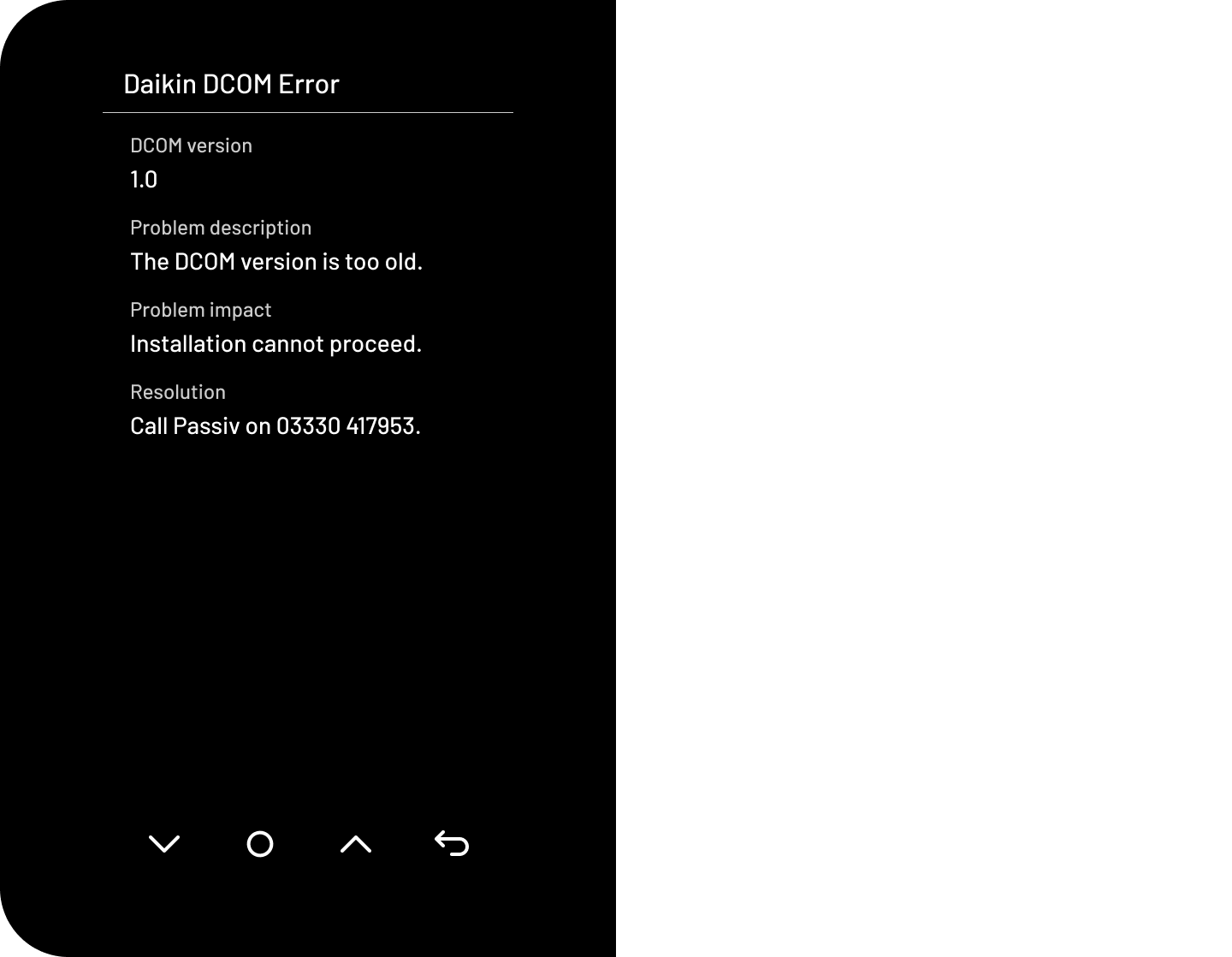
- If the Passiv Programmer fails to commission and the DCOM version is declared too old. Either replace the DCOM-LT/MB with a newer unit or install the Passiv Smart Thermostat via relay control in the interim. The differences between Modbus RS485 control and relay control can be seen here.
Configuring the Daikin heat pump
For the Passiv Smart Thermostat to operate correctly it is essential that the Daikin heat pump settings have been successfully applied.
Relay controlled Daikin
Simply wire the Programmer "Voltfree 1" COM and NO connections to Daikin "Thermostat" connection 30 and 35 within the outdoor unit.
During commissioning on the Daikin controller different settings are required to operate the Daikin via relay control. Instead of selecting "Leaving water" in the "Control" menu, select "External room thermostat". Other field settings do not need to be changed.
The Daikin controller "Information" menu can be used to confirm the Daikin is recognising the Passiv Smart Thermostat call for heat.
Note: The Daikin heat pump may take several minutes before it honours a request to start or stop heating.