
The Passiv Smart Thermostat can be provided with either wired or wireless Thermostats. The wireless Thermostats have an in-built battery which can be recharged via a USB-C port on the device.
When do the Thermostats need charging?
The wireless Thermostats should arrive pre-charged and can be installed straight out of the box.
The Thermostat will initially be in sleep mode - press the button on the back of the device to wake it. For guidance on installing wireless Thermostats see our video series.
The wireless Thermostats have an approximate battery life of 6 months, assuming regular day-to-day usage. If they are used more frequently, the battery may drain sooner.
How to charge wireless Thermostats
- Remove the thermostat from its wall mount by holding the bottom edge and lifting it gently away from the wall. Once removed, you'll find a charging port on the bottom of the thermostat.
- Charge the thermostat using a standard USB-A to USB-C cable.
Important: Do not cover the Thermostat while charging. Leaving it open on a flat surface reduces risk of overheating.
Important: Rapid chargers and laptop USB-C chargers will not function.
- Once fully charged (up to 4 hours), return the device to it's frame as instructed to on the thermostat itself.
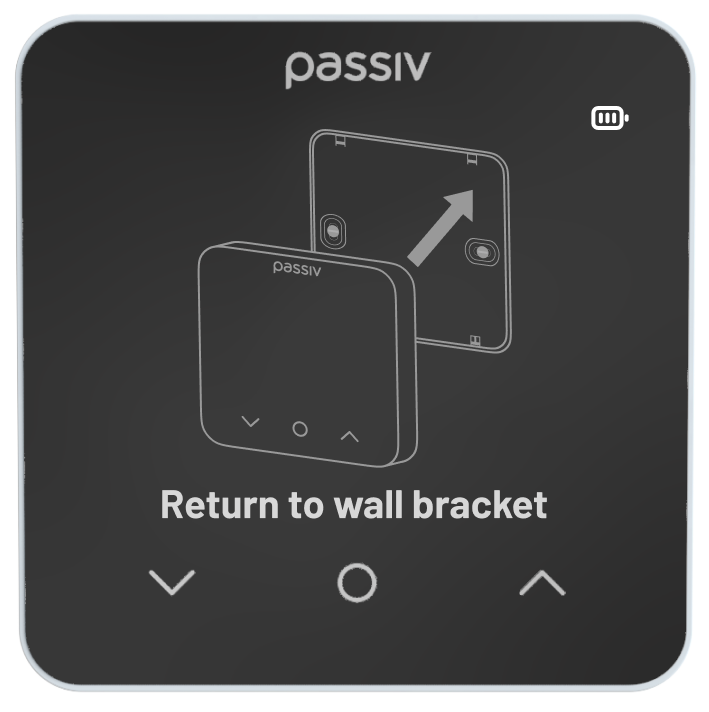
Important: The wireless Thermostat will not transmit temperature or be used for heating while it is either off the wall or plugged in. Once the Thermostat has finished charging, return it to the wall bracket to restart operation.